

Close Menu
ChoiseTips
    Editor's Picks

    6 Best Fake Location Apps for iPhone

    Why is Snapchat Not Available in Play Store?

    How to Find an IP Address by Phone Number?

    Facebook X (Twitter) Instagram
    ChoiseTips
    • How To
    • Games
    • Android
    • iPhone
    • Apps
    • Software
    • Hardware
    • Social Media
    Facebook X (Twitter) Instagram
    ChoiseTips
    Home»Apps»Why Vidmate is Not Available in Play Store?
    Apps

    Why Vidmate is Not Available in Play Store?

    choisetipsBy choisetipsJuly 6, 20242 Mins Read
    Facebook Twitter Pinterest LinkedIn WhatsApp Reddit
    Share
    Facebook Twitter LinkedIn

    The Vidmate app has been available for download on the Google Play Store for some time, but is no longer available there. Some users are wondering why, as they were quite happy with the functionality of the app.

    Below we’ll explain why Vidmate is no longer available in the Google Play Store and how you can get it as an alternative.

    Table of Contents

    Toggle
    • What is Vidmate and Why Was it Removed From the Google Play Store?
    • How Can I Download Vidmate?

    What is Vidmate and Why Was it Removed From the Google Play Store?

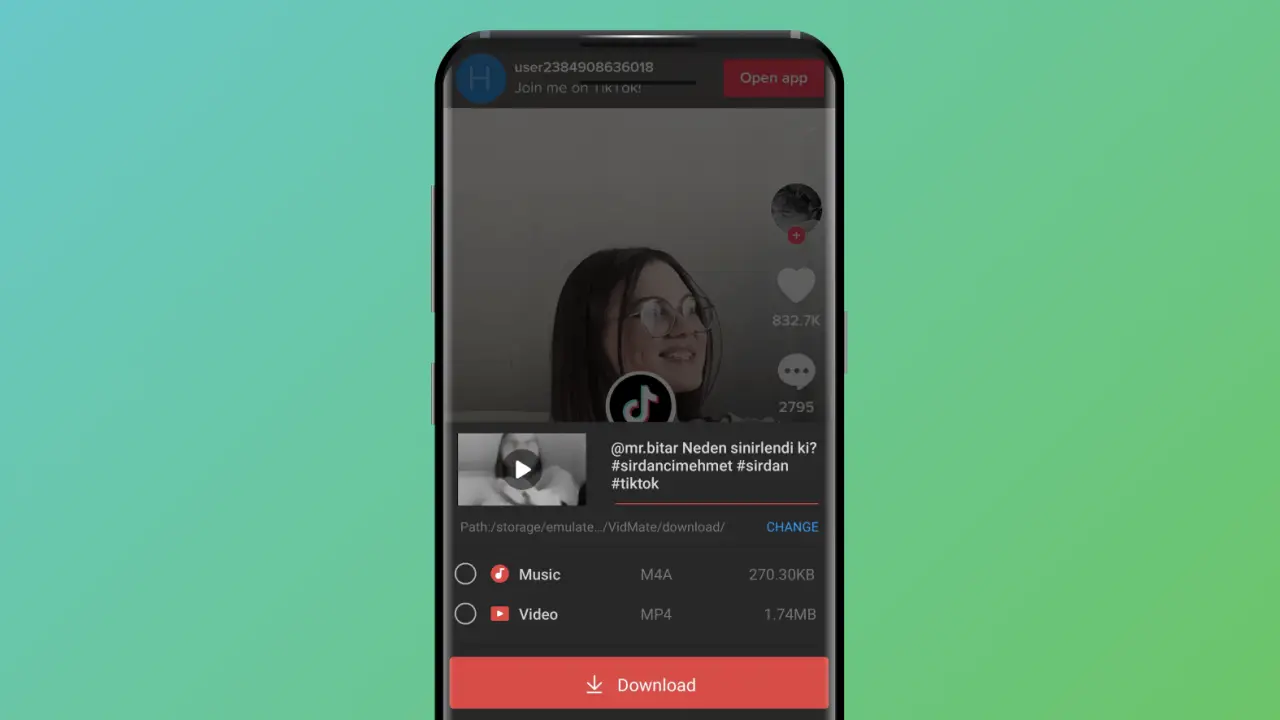
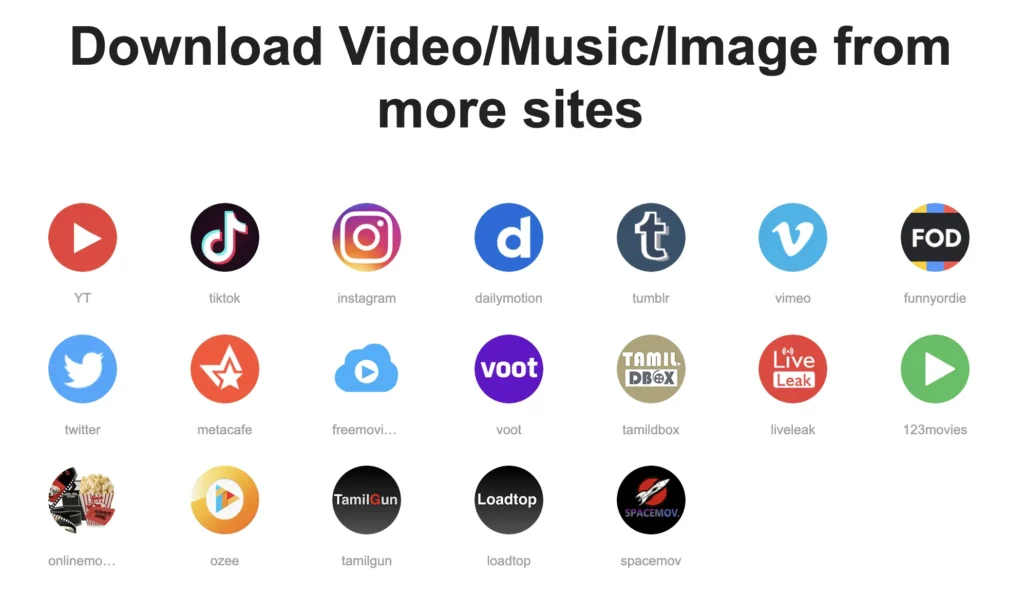
    Vidmate is an app for downloading YouTube, Facebook, Instagram, WhatsApp status and TikTok videos for free.

    Usually, such apps are still available in app stores like Google Play Store or App Store. However, some developers believe that Vidmate should be removed from the app store because it is a copyright infringement. After Google is notified of the situation, Google decides whether the app should be removed from the store or not.

    Since Vidmate is a mobile application where such videos are downloaded, it has been removed from the store with a copyright infringement complaint.
    How Can I Download Vidmate?

    Now you know why Vidmate is not in the Google Play Store. If you still want to get it, there is one thing you can do: download the APK version of the app.

    You can do a quick search on Google and download an app that you think is the safest. But to do this, you need to enable the ability to download third-party apps on your Android device. You can do this by following these steps:

    • Go to the Settings menu on your device.
    • Go to Apps and notifications > Advanced.
    • Tap Special app access.
    • Tap Install unknown apps.
    • Tap the browser you will use to download the APK file, for example Chrome.
    • If requested, turn on Allow from this source.

    After following these steps, you can install the downloaded Vidmate APK on your phone and continue downloading videos from supported platforms.

    choisetips
    • Website

    My name is Eser Şahin. I am the founder of ChoiseTips website. I have been producing articles to meet the needs of users for many years. I am also the owner of Techmedya, CADSoftUSA, Recguns, FlyNixie and İlaçdünyası

    Related Posts

    4 Best Apps to Access Someone Else’s WhatsApp Account

    9 Best iPhone Sound Booster Apps for Free

    6 Best Chatting Apps For Couples

    Why is Bumble Not Available on Google Play?

    5 Best Dynamic Island Apps for Android

    5 Best Free Music Apps for Apple Watch

    Leave A Reply Cancel Reply

    You must be logged in to post a comment.

    Most Popular Articles

    6 Best Free Dance Apps For Weight Loss

    Apps July 1, 2025

    Dancing is more than just a hobby for many; it’s an essential part of their…

    4 Best Apps Like TikTok to Earn Money

    6 Best Chatting Apps For Couples

    How to Use FacePlay App for Free?

    How to See Likes on OkCupid for Free?

    Facebook X (Twitter) Instagram
    • Contact Us
    • About Us
    • Privacy Policy

    Type above and press Enter to search. Press Esc to cancel.